
Send automated WhatsApp messages to your customers when invoices are created or payments are received.
Connection Status
Not Connected
Connect your AiSensy account to start sending automated WhatsApp messages directly from Invoice Max.
Choose Your AiSensy Plan
You need an AiSensy account to use WhatsApp automation. Choose a plan below — you'll be redirected to AiSensy to complete signup.
RECOMMENDED
Pro
Highly recommended plan to make the best use of Retargeting Campaigns
₹3,200/month
Get Started
Per Template Message Charges
- Marketing: ₹1.09
- Utility: ₹0.145
- Authentication: ₹0.145
- Service: Unlimited Free Service Conversations
Features
- All features in Basic Plan
- Upto 100 Tags
- Upto 20 Custom Attributes
- Campaign Scheduler
- Campaign Click Tracking
- Smart Agent Routing
- Campaign Budget Analytics
- Project APIs
- Custom Agent Rules
- Carousel Template Click Tracking
- CSV Campaign Scheduler
- User Access Control
- Automatic Failed Message Retry
- 1 Owner + 5 FREE Agents included. Additional Agents at ₹750/month each
Chatbot Flows
- 5 Chatbot Flows: ₹2,500 (charged separately)
Per message charges: Marketing ₹1.09 · Utility ₹0.145 · Auth ₹0.145 · Service: Free
· View full pricing →
API Key Setup
AiSensy Dashboard → Manage → API Key → Copy Open AiSensy →
The WhatsApp Business number registered on AiSensy (e.g. +919876543210)
Automation Campaign Config
Enter the exact campaign names you created in AiSensy. Toggle on/off each automation trigger. AiSensy Campaigns →
| Trigger Event | Campaign Name (AiSensy) | Enable |
|---|---|---|
|
Invoice Created
Sent when a new invoice is saved
|
||
|
Payment Reminder
Sent for overdue/pending invoices
|
||
|
Payment Received
Sent when invoice is marked paid
|
||
|
Quotation Sent
Sent when a quotation is saved
|
Send Test Message
Message Sent Successfully
WhatsApp message dispatched via AiSensy. Check the recipient's phone.
How It Works
1
Create an AiSensy Account
Sign up at aisensy.com. Choose the Pro plan (₹3200/month) for full automation features. Complete WhatsApp Business API verification.
2
Create & Approve WhatsApp Templates
In AiSensy, go to Templates and create message templates for each trigger (invoice sent, payment reminder, etc.). Wait for Meta approval (~24 hrs).
3
Create API Campaigns in AiSensy
Go to Campaigns → +Launch → API Campaign. Link each approved template to a campaign and set it Live. Copy the exact campaign name.
4
Paste API Key & Campaign Names Here
Enter your AiSensy API Key and the campaign names above. Toggle on the triggers you want. Click Save.
5
WhatsApp Messages Go Automatically
From now on, whenever you save an invoice or mark a payment — your customer gets a WhatsApp message instantly. Zero manual effort.
WhatsApp Broadcasting
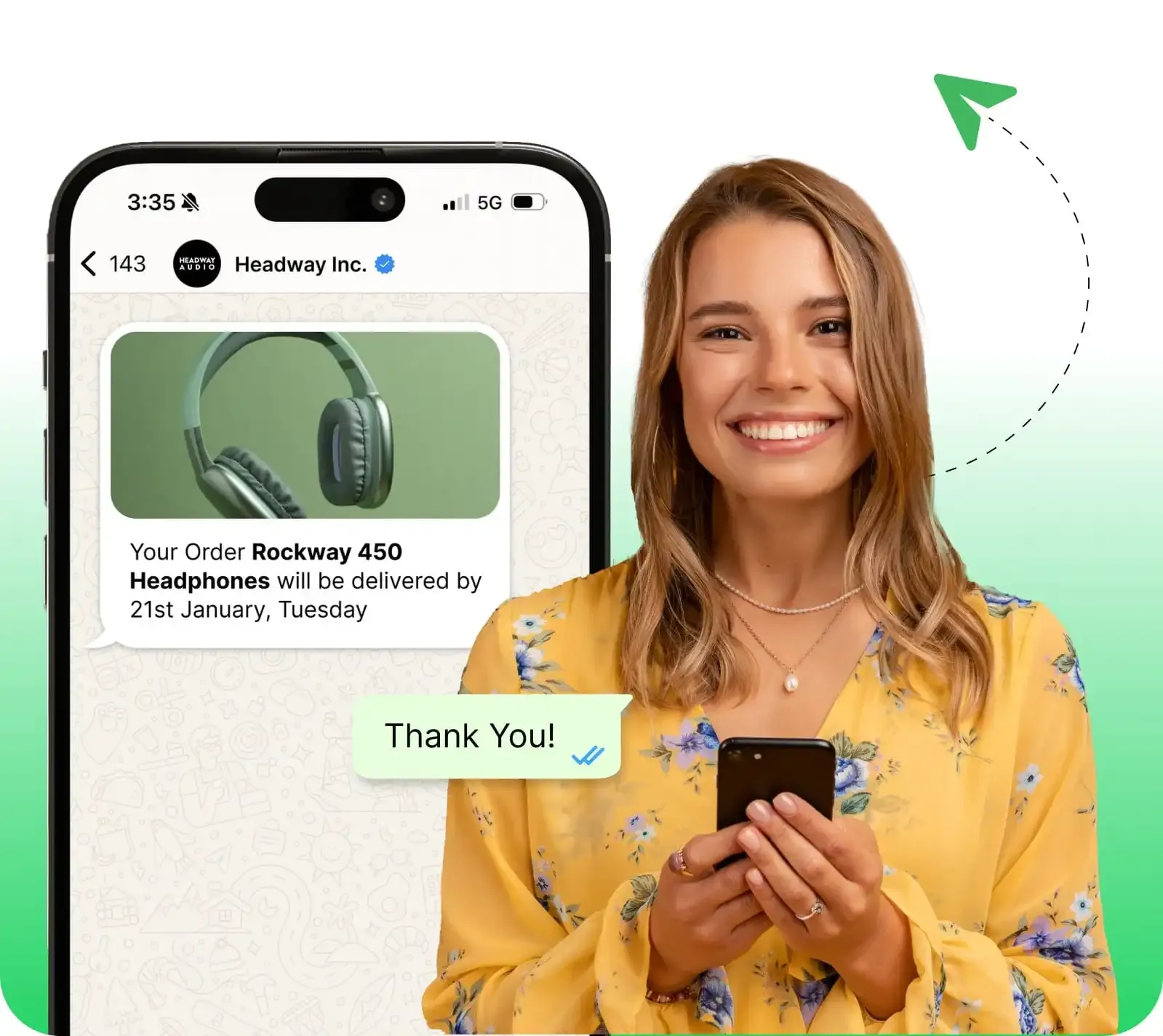
Broadcast Marketing Messages on WhatsApp (Officially)
Enjoy a Limitless Broadcasting experience on WhatsApp — reach thousands of customers instantly.
8+ Powerful Messaging Categories
Send Promotions, Offers, Coupon codes, Carousels and More — Risk-Free!
Add CTAs, Drive 3x Conversions
Turn conversations into conversions with eye-catching CTAs and Quick Reply buttons.
Schedule Your WhatsApp Messages
Streamline your work — schedule broadcasts 3 months ahead of time.
AI-Powered Ads
Get Started with Forms, Payments & Click to WhatsApp Ads
AiSensy launches latest WhatsApp API and AI Features at blazing fast speed.
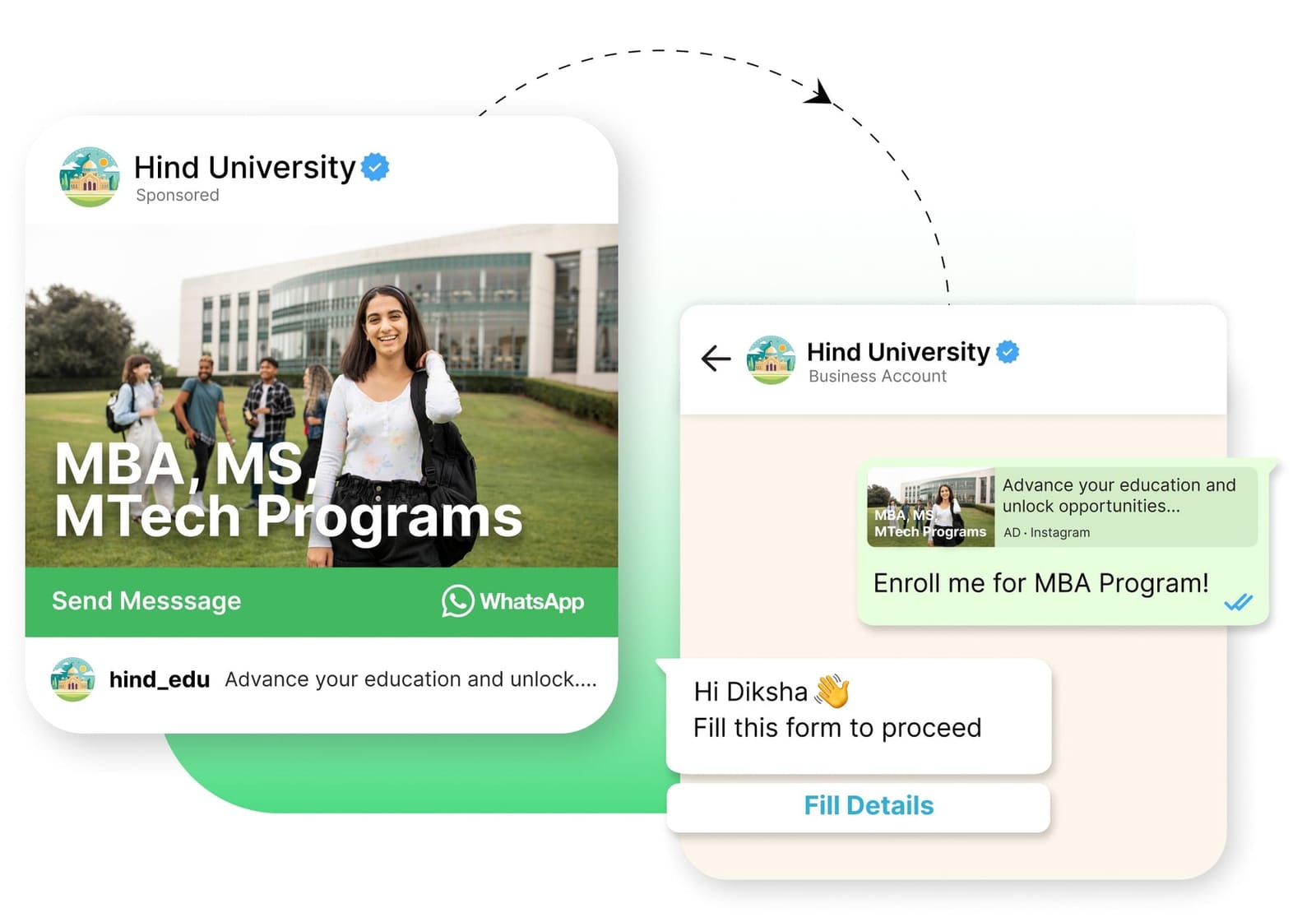
Run AI Powered Ads that Click to WhatsApp
Run Ads on Facebook & Instagram that land on WhatsApp. 3X your lead generation & 2-3X conversions instantly!
Smart Lead Segregation with AI
Get AI quality leads, smartly segregate your leads and build Chatbot Flows to automate everything!
Important:
WhatsApp template messages require prior approval from Meta. Service conversations (customer-initiated within 24 hrs) are free. Marketing, Utility, and Authentication messages are charged per message by AiSensy. Your customers must have WhatsApp installed and their number must match the one in Invoice Max.